|
When EAs turn operational. |
|
|
|
If this is you, ops could be your next move
So, let’s say you’re starting to think about what might come next in your career. One option worth paying attention to is operational work, mainly because a lot of EAs are already doing it without ever calling it ops.
One of the easiest ways to sense-check whether this path might suit you is to look at how you handle responsibility. EAs are excellent at the visible parts of the role, getting things done, keeping meetings on track, following up on actions, and moving tasks along. People working in operations care about all of that too, but the stretch for EAs comes from seeing the work or project through to its conclusion and its wider impact.
Rather than working on the task and handing it over, you keep oversight of what happened and continue to influence the outcome. Did the decisions actually turn into something helpful? Did the outcome match what your Executive thought they were agreeing to, and did the work move forward rather than needing to be revisited again and again?
If you’re reading this and thinking, “Hang on, I already do this,” then yes. That’s the point. You might not have the title, the remit, or the LinkedIn headline yet, but the skill set is already there.
|

In this article, we will explore how this role has emerged and why it feels familiar to so many EAs, and we will look at what it means for how we think about impact, progression, and influence. The aim is to recognize the reality of how many of us work today and to open up a more honest conversation about what supporting an Executive really looks like in today’s organizations.
|
|
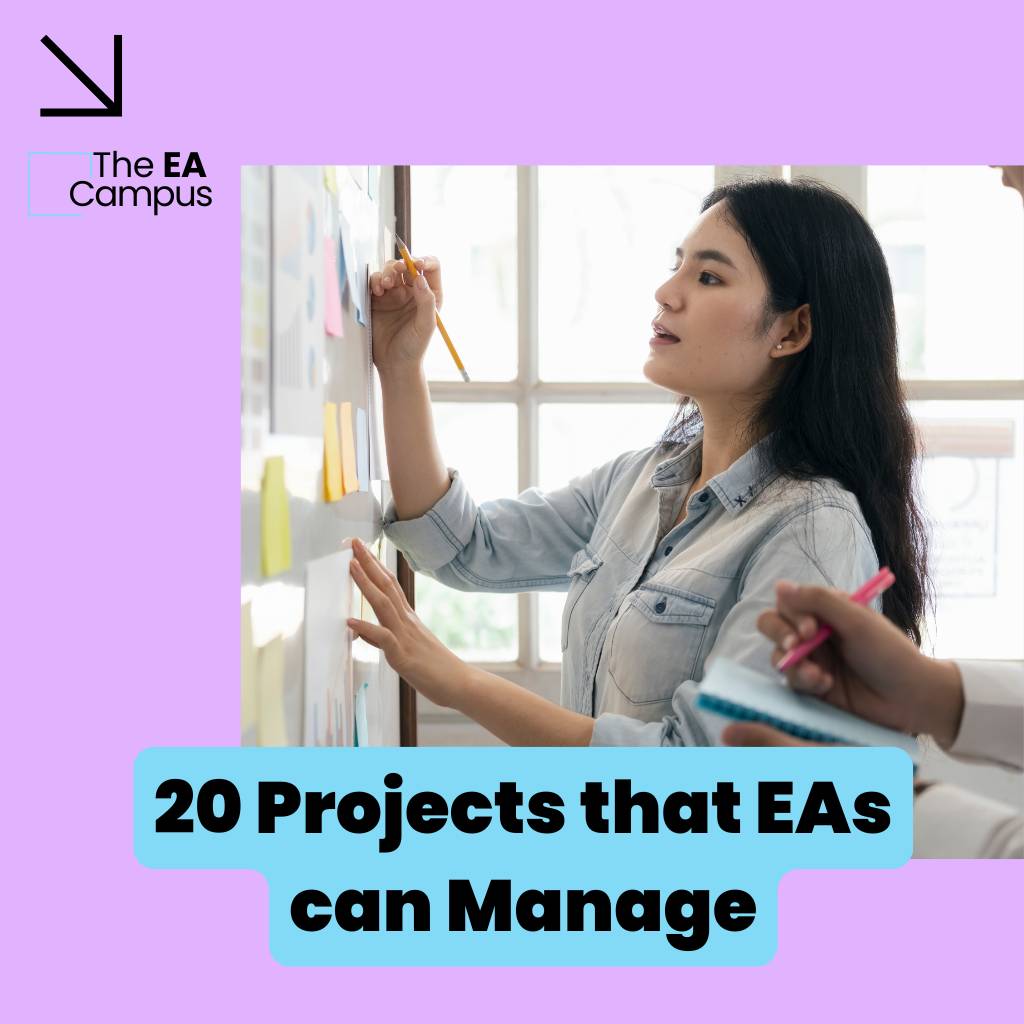
In this article, we’ll explore 20 projects that EAs can manage from start to finish. These are real, practical opportunities to step up, take control, and make a visible impact without waiting for someone to hand you the title of Project Manager first. Taking ownership of projects is one of the most powerful ways we can show leadership as Executive Assistants.
|
If you want to start building this skill now, without changing your job or announcing a new career direction, here are a few places to start.
- When a decision is made, don’t let it float off as a vague action. Be clear, at least for yourself, on what completion looks like. Is it approved? Implemented. Live. Used by someone other than you. Having a clear endpoint stops work from lingering indefinitely.
- You don’t need a complicated system. Just enough context to remember what problem your Executive was trying to solve at the time. That reference point becomes very useful when work starts to drift, or someone questions the direction weeks later.
- Instead of assuming something is progressing because it’s no longer with you, check back in to sense-check whether it’s still moving in the right direction.
- If something feels unclear or stalled, raise it early while it’s still easy to adjust. A small nudge at the right moment saves far more effort later.
- Make it obvious when work is complete, delivered, or needs a fresh decision. Loose ends have a habit of hanging around far longer than anyone expects.
- When you brief your Executive, focus on progress, blockers, and decisions needed. That shift alone changes how your role is perceived and quickly builds trust.
Building Workflows with Copilot
February 18th, 2026 - 11am-2pm ET | 4pm-7pm GMT
Join our interactive 3-hour Masterclass and learn how to turn emails into clear actions, tasks into structured workflows, and Copilot into a genuine daily Assistant. This is a practical, implementation-focused Masterclass for busy Assistants who want Copilot to support how they already work, without adding complexity.
We’re planning more training in 2026, and we’d like your input
The EA Campus training has grown significantly over the last year, especially in AI, tech, and practical Masterclasses for Executive Assistants. As we look ahead, we want to make sure what we build next reflects what you actually need in your role.
We’ve put together a short questionnaire. It’s 5 questions and should take under 2 minutes to complete. We would love your input. Thanks for helping shape what EA Campus delivers next.
|
|
|
|
|
ChatPDF
ChatPDF is a simple AI tool that lets you upload a PDF and ask questions about it in plain language. Instead of scrolling through long documents, you can query specific sections, pull out summaries, clarify terminology, or find where something is mentioned. It’s particularly useful for working through policies, reports, contracts, or research papers when you need answers quickly without reading every page end to end.
|
|
|
|
February 18th, 2026 @ 11am EST | 4pm GMT | 5pm CEST
Better Workflows with Copilot Masterclass
Building Better Workflows with Copilot is a focused, practical Masterclass designed specifically for Executive Assistants who want to use AI to manage email more effectively, capture actions accurately, and create structured task workflows that actually stick. Book now>>>
25th February 2026 @ 11am EST | 4pm GMT | 5pm CEST
AI and Events Management
Masterclass
Through this masterclass, you’ll discover how to harness the power of AI, digital tools, and technology to make event planning smoother and smarter. From streamlining admin tasks to enhancing creativity and communication, you’ll learn how to apply technology across every stage of planning. Book now>>>
April 22nd-24th, 2026 @ London, UK
The EA Campus Conference
Over three unmissable days, you’ll dive into game-changing sessions on the future of the Assistant role, take part in hands-on workshops that deliver practical, real-world results, and explore the latest in AI tools, tech demos, and tactical support you can use immediately. Best of all, you’ll do it all surrounded by a room full of people who get what it means to do your job, and love it just as much as you do. Book now>>>
|
|
|
|
